Wanted a proper alarm clock / smart speaker for the kids' room — something that could announce "time to wake up" in the morning, play music on demand, and eventually take voice commands, all through Home Assistant. Landed on a Raspberry Pi Zero 2W, a Seeed ReSpeaker 2-Mics Pi HAT V2.0, and MakerWorld's Smart Speaker Retro Radio Housing to make it actually look like something you'd want on a nightstand.
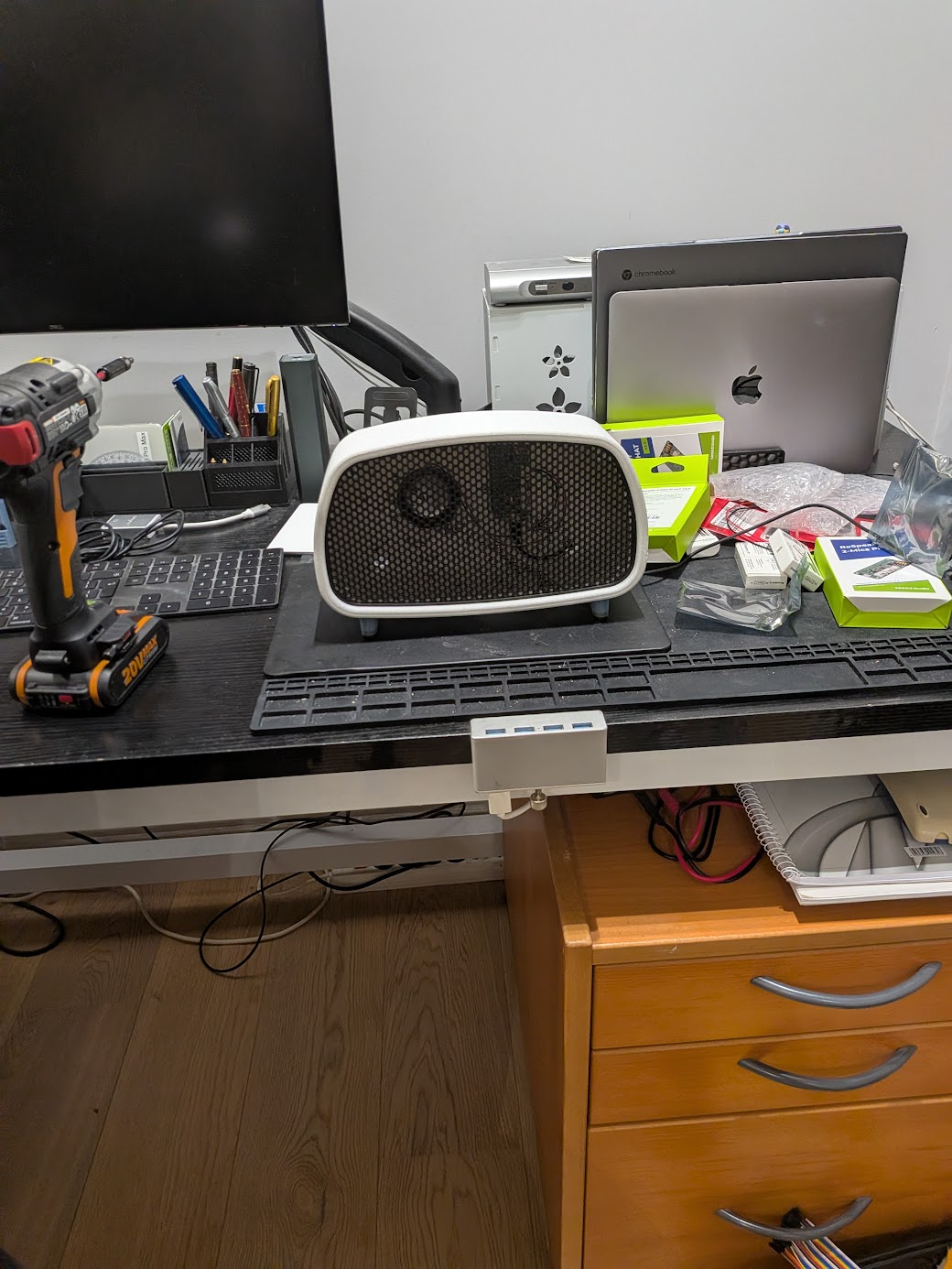
The software side runs on OHF-Voice/linux-voice-assistant, which turns the Pi into an ESPHome-native voice satellite and media player — Home Assistant does all the actual speech-to-text/TTS/intent work, the Pi just captures audio and plays it back.
The Build
- Raspberry Pi Zero 2W
- Seeed ReSpeaker 2-Mics Pi HAT V2.0
- 8Ω 5W speaker
- JST-PH 2.0 2-pin cable (speaker to HAT)
- 16GB microSD card
- 5V/2.5A micro-USB power supply
- MakerWorld's Smart Speaker Retro Radio Housing (3D-printed casing)
Stacked the ReSpeaker HAT onto the Pi's GPIO header, wired the speaker into the HAT's JST speaker port, then stuffed the whole thing into the printed case.
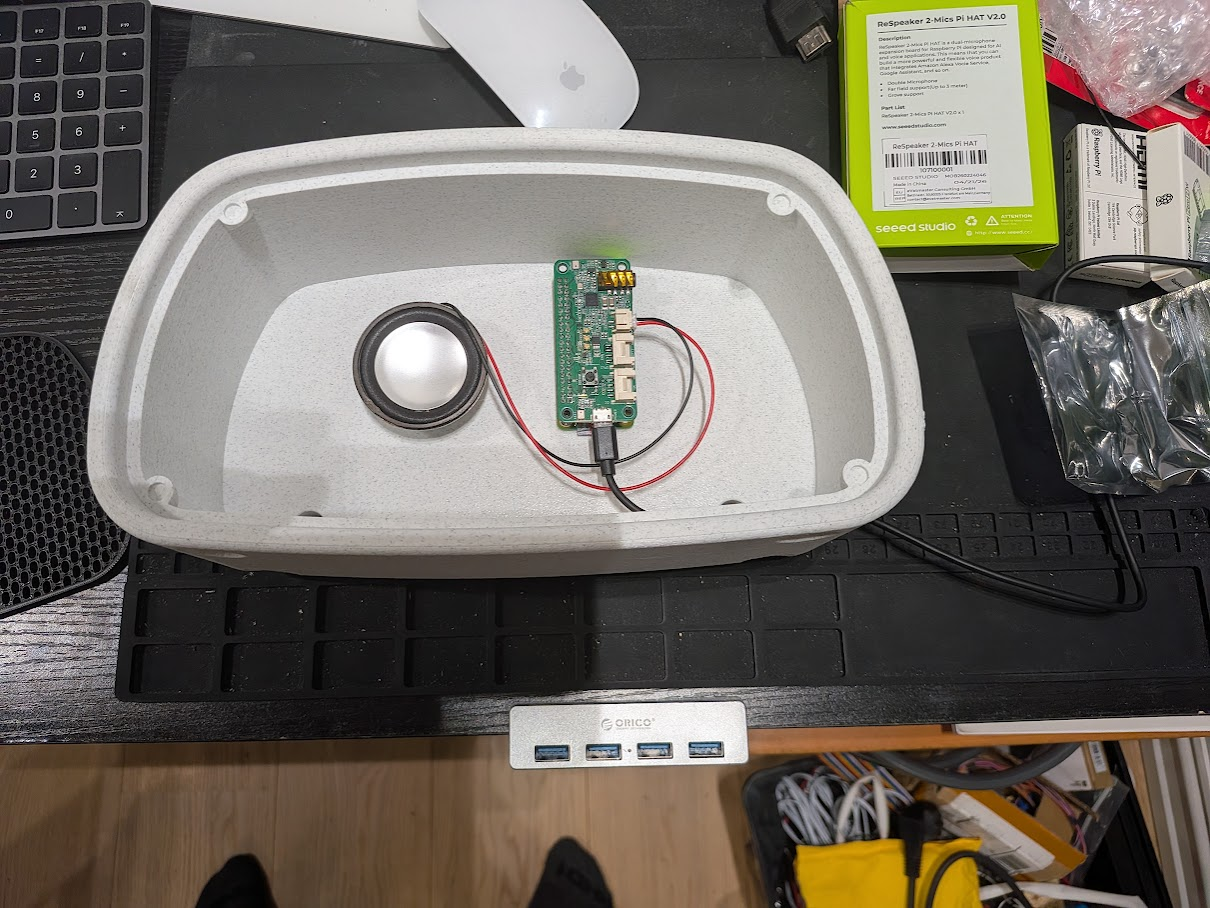
Getting the ReSpeaker HAT Working
This is where things got interesting. The v2.0 HAT uses a TI TLV320AIC3104 codec, and on a current Raspberry Pi OS there's no packaged driver for it — you compile a small out-of-tree kernel module plus a device tree overlay, following Seeed's own (fairly recent) wiki instructions for it.
Driver compiled clean, aplay -l listed the card, mixer controls all looked sane. Plugged in the speaker.
Nothing. Total silence.
The Silent Speaker Mystery
Headphones into the 3.5mm jack on the same HAT? Worked perfectly, first try. So the codec, the kernel module, PipeWire, all of it — clearly fine. Just the actual JST speaker output, dead.
Went down a few rabbit holes here — a suspiciously high resistance reading across the speaker terminals (turned out to be a measuring-in-circuit artifact, not a real fault), swapping in a fresh speaker and cable, even swapping the entire HAT for a spare board. None of it made a difference. Two completely different physical boards, same silence on the speaker output, same perfect headphone jack.
That ruled out hardware. Confirmed it with a multimeter directly on the board's JST header pins during playback: 0V, on both boards, even though every mixer control involved showed "on" and the correct volume. Whatever was driving the headphone jack simply wasn't reaching the speaker output at all.
Turned out to be a bug in Seeed's own official device tree overlay. The codec has genuinely separate HPLOUT/HPROUT (headphone) and LLOUT/RLOUT ("Line Out") pins — and the JST speaker port is wired to the Line Out pins, not the headphone ones. The overlay only ever declares a DAPM route for the headphone jack:
simple-audio-card,widgets =
"Headphone", "Headphone Jack",
"Line", "Line In";
simple-audio-card,routing =
"Headphone Jack",       "HPLOUT",
"Headphone Jack",       "HPROUT",
"LINE1L",               "Line In",
"LINE1R",               "Line In";
LLOUT/RLOUT are never declared as connected to anything, even though the codec's internal Line Mixer is already routed from the DAC by hardware default. Without a route in the machine driver, the audio subsystem never powers up that output stage — no errors, no warnings, it just silently no-ops. Patched in a Speaker widget:
simple-audio-card,widgets =
"Headphone", "Headphone Jack",
"Line", "Line In",
"Speaker", "Speaker";
simple-audio-card,routing =
"Headphone Jack",       "HPLOUT",
"Headphone Jack",       "HPROUT",
"LINE1L",               "Line In",
"LINE1R",               "Line In",
"Speaker",               "LLOUT",
"Speaker",               "RLOUT";
Recompiled the overlay, rebooted, and the speaker came alive — quiet at first (the Line Out path defaults to a conservative gain), but maxing out PCM, Line DAC, and the post-mixer Line boost via amixer got it to a perfectly usable volume for a small 5W driver.
Home Assistant Integration
With audio actually working, the rest was comparatively easy: PipeWire for the audio stack, then linux-voice-assistant picked up as an ESPHome device via mDNS within a minute of starting it. Added it in Settings → Devices & Services → Discovered, and both a media_player and an assist_satellite entity showed up automatically.
Configured a second wake word (Hey Jarvis, on top of the default Okay Nabu), and it just works — no mic tuning, no extra config, straight out of the CLI flags.
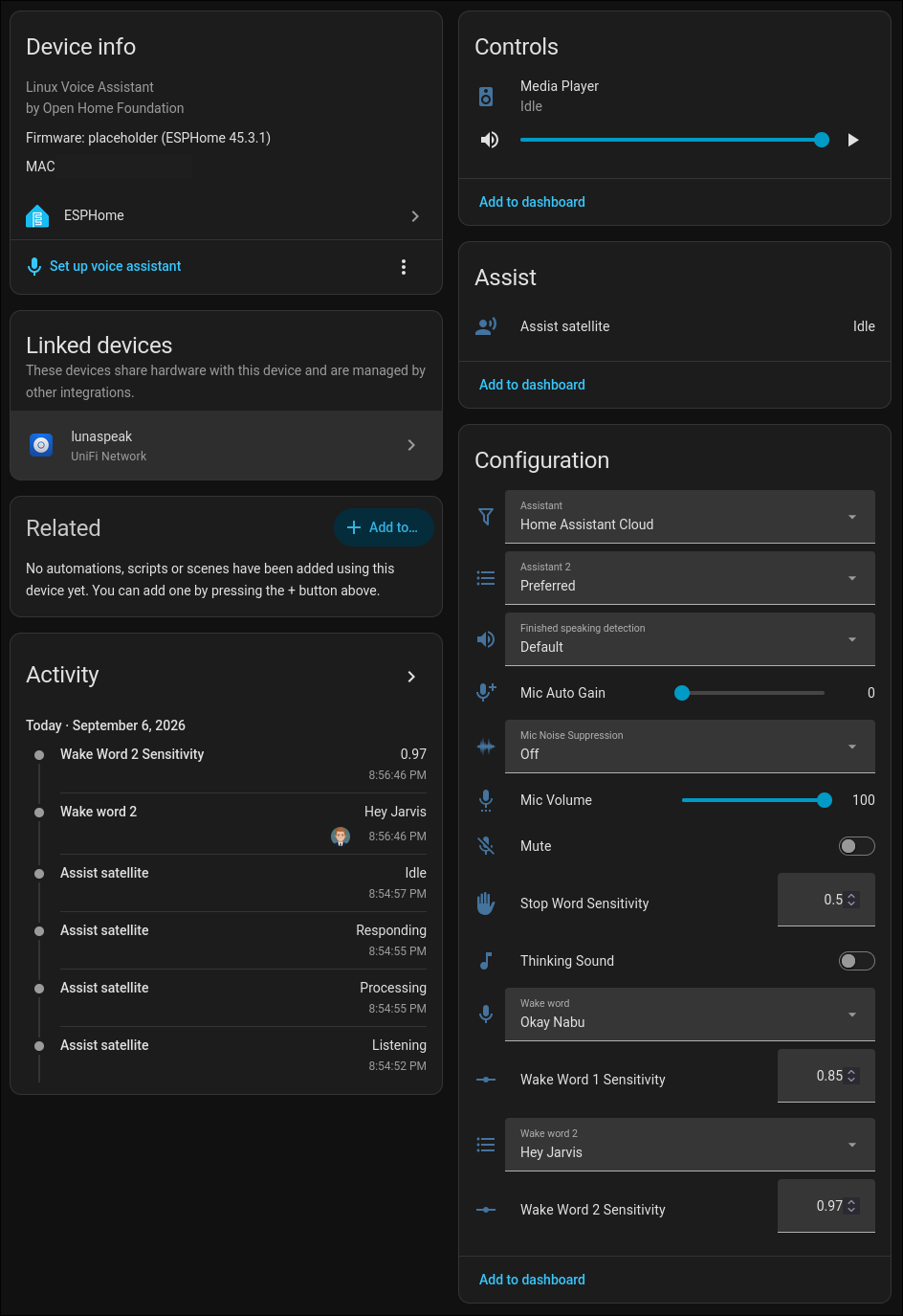
assist_satellite.announce and media_player.play_media both work end to end now — TTS announcements, internet radio streams, actual music files, all playing through the little retro speaker. Exactly what a kids' room alarm clock speaker needs, and it looks a lot better on a nightstand than a bare Pi ever would.